If your application needs to read receipts — expense apps, loyalty programs, bookkeeping tools, corporate spend management — you'll eventually evaluate receipt OCR APIs. This guide explains what they actually do, where they differ from each other, and how to pick the right one for your use case.
What a Receipt OCR API Does
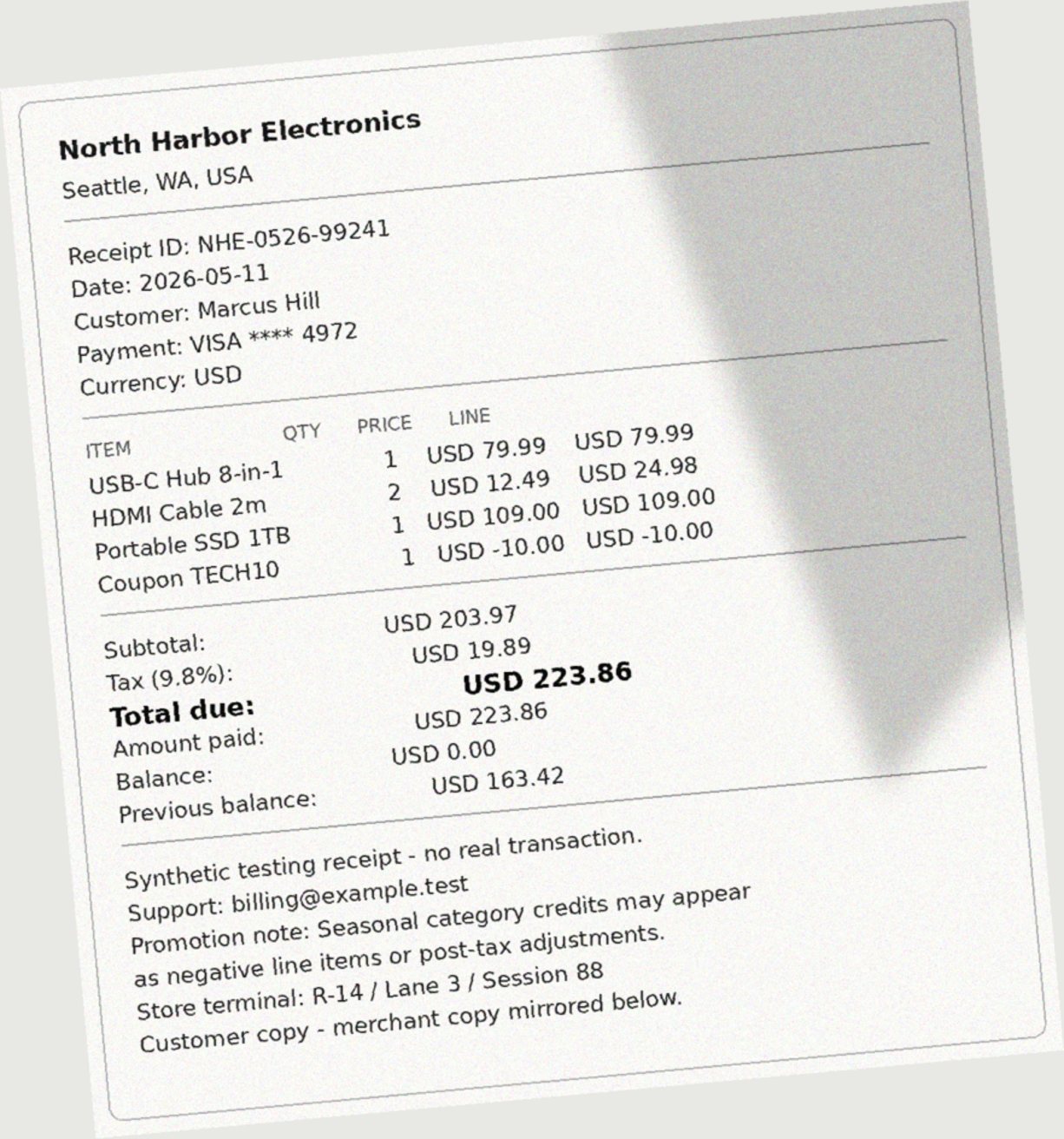
Any receipt format → structured JSON in ~3 seconds. No templates.
A receipt OCR API accepts a receipt image or PDF and returns structured data — merchant name, transaction date, total amount, individual line items, currency, and tax — as a JSON object.
The key word is structured. A generic OCR engine returns raw text: a disorganized string of characters it found in the image. A receipt OCR API interprets that text into named fields. The difference between "Starbucks\n2026-05-10\n12.75" and { "merchant": "Starbucks", "date": "2026-05-10", "total": "12.75" } is what makes a receipt API genuinely useful — you get data you can store, process, and display without writing interpretation logic.
The Fields a Good Receipt OCR API Should Return
Not all receipt APIs return the same fields. At minimum, you should expect:
- merchant — store or vendor name
- date — transaction date (ISO format if the API is well-designed)
- total — final charged amount
- subtotal — pre-tax total
- tax — tax amount
- currency — ISO 4217 code (USD, EUR, GBP, etc.)
- line_items — individual items with description, quantity, and price
Better APIs also return:
- tax_rate — calculated percentage
- receipt_id — the receipt's own identifier
- payment_method — card type, cash, etc.
- merchant_address — useful for mileage/location tracking
- processing_time_ms — how long extraction took
DocuParseAPI returns all of the above. You can see the full receipt OCR API field reference.
How Receipt OCR APIs Work (Without the Marketing)
There are two dominant technical approaches:
Traditional OCR + rules: The API runs an OCR pass to extract text, then applies pattern matching — regex for dates, price patterns for totals, position heuristics for merchant names. Fast and reliable for standard layouts; brittle when receipt formats deviate from expectations. Docparser works this way.
AI/ML extraction: A trained model directly interprets the document — understanding layout, context, and semantic meaning — rather than just extracting text. Handles more format variation, scanned images, and unusual layouts. Slower in some cases, but more robust. DocuParseAPI uses a hybrid: rule-based extraction first, with AI-assisted recovery for documents that don't yield clean results from the first pass.
Both approaches have a place. For a consistent set of receipts from known vendors, rules work fine and are cheaper. For consumer-submitted receipts from arbitrary retailers in arbitrary formats, ML-based extraction is more reliable.
Choosing a Receipt OCR API: What Actually Matters
Pricing model
This matters more than most developers realize at evaluation time.
- Per document: You pay once per receipt regardless of page count. Predictable.
- Per page: A 3-page receipt or PDF bundle costs 3× as much. Mindee uses this model.
- Per transaction with a minimum: Veryfi charges $0.08/receipt but requires a $500/month minimum. If you're processing under 6,250 receipts a month, you're paying for capacity you don't use.
For small and medium volumes (under 3,000 receipts/month), per-document pricing is almost always cheaper. DocuParseAPI charges $14.99/month for 3,000 documents — that's $0.005 per document.
Free tier quality
A real free tier lets you build, test, and validate the integration before committing money. The best free tiers are monthly recurring, not lifetime-limited.
- DocuParseAPI: 20 documents/month, recurring, no credit card
- Mindee: 250 pages/month, recurring (but page-based, so multi-page docs burn through fast)
- Veryfi: 100 documents total, then paid — a lifetime cap, not a monthly recurring tier
- Docparser: 21-day trial, then minimum $39/month
Response format
Your application should be able to use the API response directly without post-processing. If you're writing a translation layer to go from the API's output format to your data model, the API isn't well-designed. Look for:
- Named fields (not bounding boxes or confidence arrays)
- Consistent types (not sometimes a string, sometimes a number for
total) - Explicit
nullfor missing fields rather than omitting them
Setup complexity
The best receipt OCR APIs require an API key and one HTTP request. That's it. Watch out for:
- Requiring template setup per receipt type
- Requiring a machine learning model training step
- Requiring cloud platform credentials (AWS IAM, GCP service accounts)
Quick Start: Receipt OCR in Under 5 Minutes
Here's the minimum viable receipt extraction request using DocuParseAPI:
curl -X POST https://docuparseapi.com/api/v1/extract \
  -H "Authorization: Bearer YOUR_API_KEY" \
  -F "file=@receipt.jpg"
Response:
That's the complete output. No post-processing needed. Map the fields directly to your data model.
Common Receipt OCR Challenges and How They're Handled
Thermal paper fading: Older receipts on thermal paper often fade. A good ML-based extraction layer handles contrast enhancement and partial text recovery better than pure OCR.
Mobile phone photos: Camera angle, shadows, and perspective distortion are common in user-submitted receipt photos. The extraction pipeline normalizes this before attempting to read fields.
Foreign languages and currencies: A well-trained receipt model handles multi-language receipts and returns the currency as an ISO code regardless of the symbol on the original document.
Missing fields: Not every receipt has a loyalty number or payment method. The API should return null for missing fields rather than omitting them — this makes your code simpler because you don't need to check for key existence.
When to Use vs. Not Use a Receipt OCR API
Use a receipt OCR API when:
- You're building an application where users submit their own receipts (expense apps, reimbursement tools, loyalty programs)
- Your invoice volume is too high for manual entry but too low to justify building extraction infrastructure
- You need line-item detail, not just totals
Don't use a receipt OCR API when:
- You're processing fewer than 5 receipts a month — manual entry is faster
- You need to extract data from proprietary or highly structured documents that don't resemble standard receipts (use a document processing API instead)